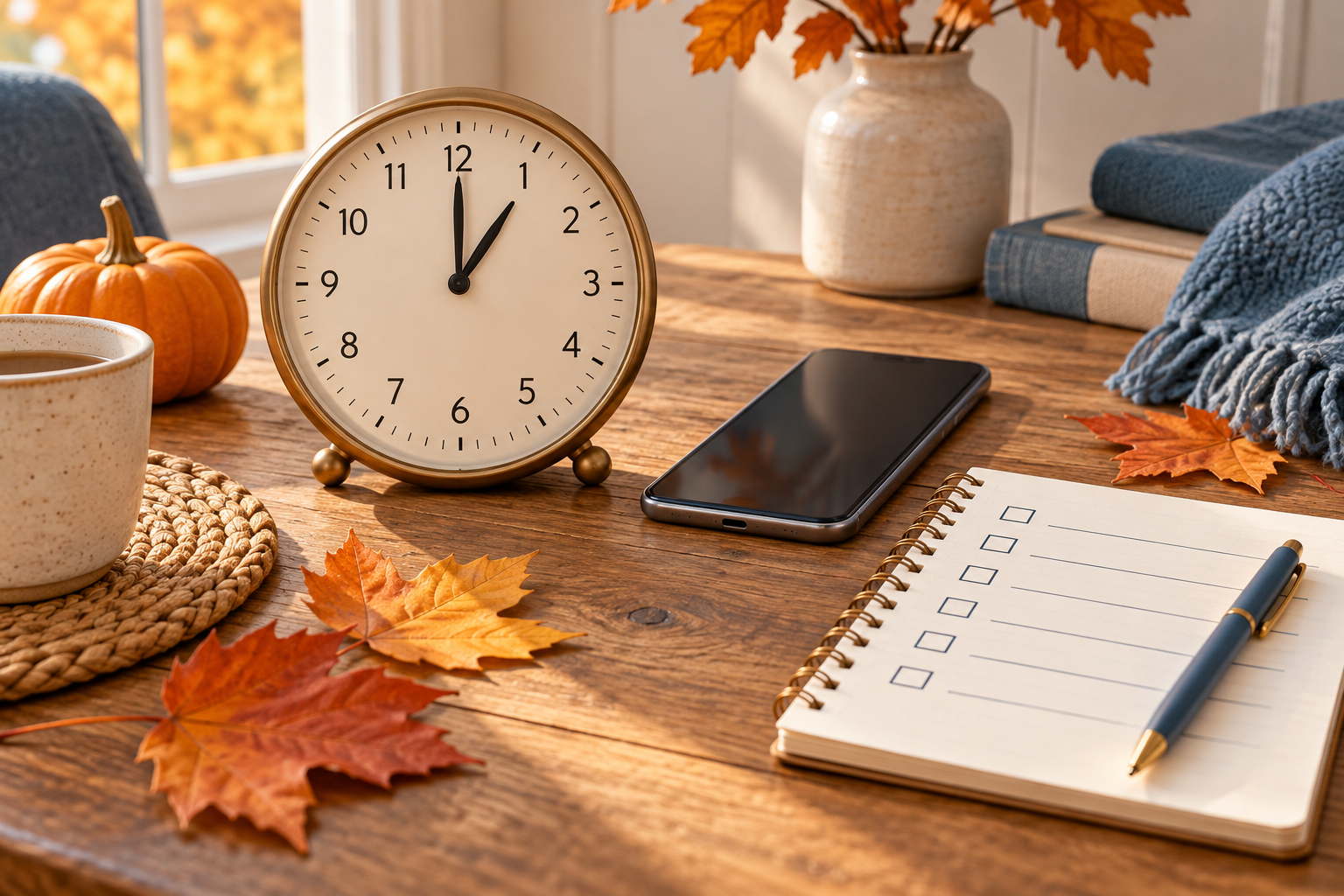
In U.S. locations that observe daylight saving time, clocks go back one hour on Sunday, November 1, 2026: 2:00 a.m. becomes 1:00 a.m. local time. Make a short device checklist beforehand, leave correctly configured automatic clocks alone, then verify your household clocks on Sunday morning.
This beginner guide takes about 15 minutes of hands-on checking, split between preparation and the morning after. It covers ordinary household clocks and calendar checks, not workplace timekeeping or medical-device instructions.
Check your location first. Hawaii and most of Arizona do not change clocks; the Navajo Nation does observe daylight saving time. U.S. territories including Puerto Rico, Guam, American Samoa and the U.S. Virgin Islands also do not observe it. If your location does not change, skip the clock adjustment and check only appointments involving other time zones.
Source: NIST daylight saving time rules and 2026 dates, checked October 17, 2026. This is a U.S.-specific guide; other countries use different rules.
Why this guide now?
The search term “fall back 2026” appeared in Google Trends’ U.S. past-24-hours view on October 17, 2026 at approximately 18:55 UTC (50K+ searches, +1,000%, active). That dated snapshot is topic-selection context, not a forecast or a claim that everyone changes clocks.
Illustrations are AI-generated explanatory artwork, not screenshots of tested devices. No purchase is required.
What you need
- Internet-connected phone or computer for checking official local time
- A short list of household clocks and their manuals
Steps
-
Confirm whether your location changes clocks
Open the NIST local time FAQ and check the rule for your location. Write “November 1, 2026 — back one hour” on your checklist only if your area observes U.S. daylight saving time.
If you travel near the change, check the rules at your destination as well. Do not apply a U.S. date to an overseas trip.
-
Make a two-column clock list
On paper, label one column “automatic” and the other “manual.” Put your phone, computer and network-connected devices in the first column only if their instructions say they update automatically. Put ordinary wall clocks, watches and appliance clocks in the manual column. Car clocks vary, so check the manual while parked.
Leave uncertain devices marked “check manual.” This simple list helps prevent moving an automatic clock back twice.
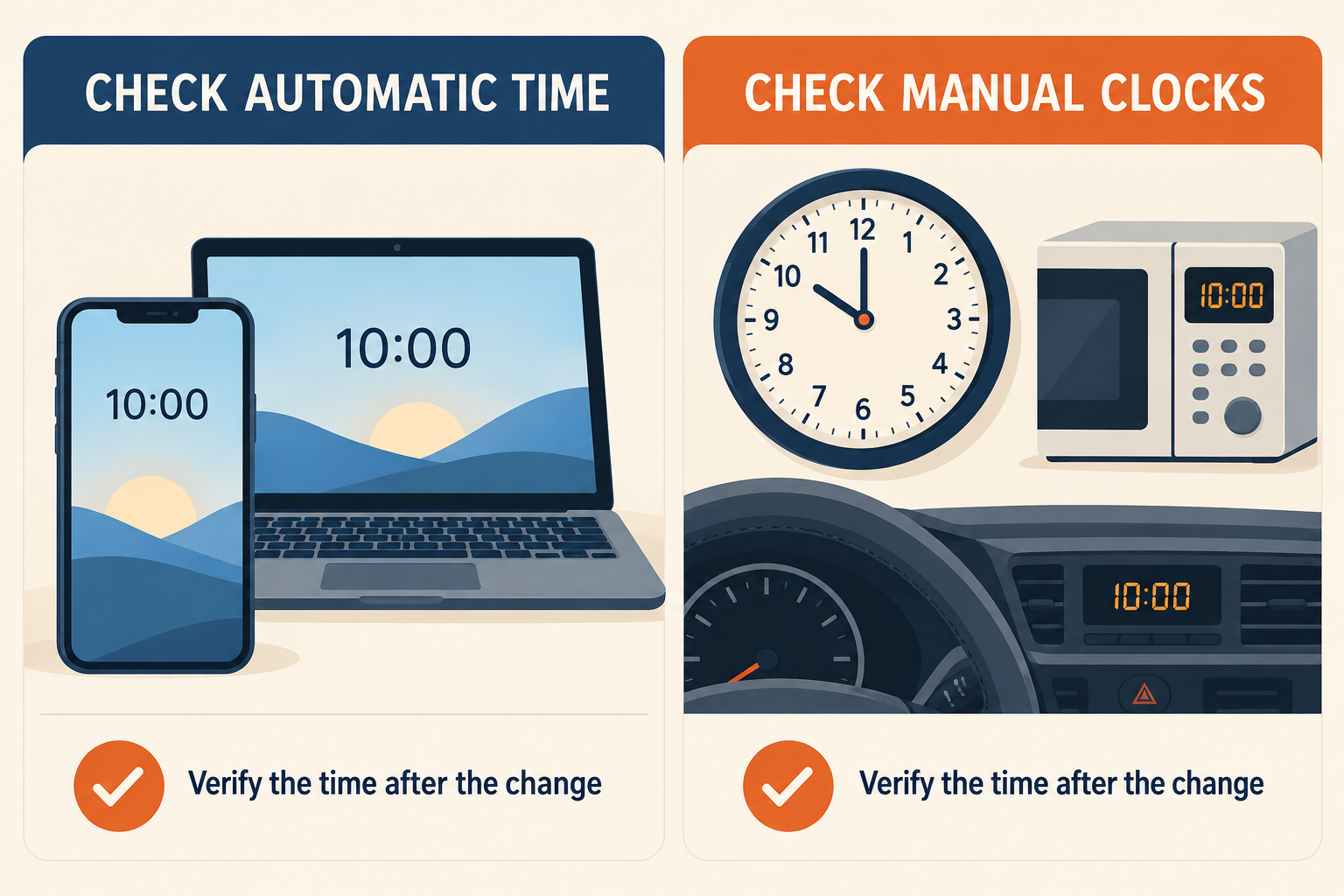
AI-generated illustration: separate automatic devices from clocks that may need a manual adjustment; always verify your model.
-
Check automatic time and time-zone options beforehand
Before the weekend, open each device’s date-and-time settings and inspect its time zone and automatic-time options. Menu names vary by manufacturer and software version. Follow your device’s official help if you need to correct them; do not guess a fixed UTC offset.
If automatic time is already configured correctly, leave the clock alone. For a managed work or school device with locked settings, contact its administrator rather than bypassing controls. Keep the device connected as its manufacturer recommends, and plan to check it again on Sunday.
-
Move manual clocks back once
For observing U.S. locations, the change happens overnight from Saturday, October 31 to Sunday, November 1. Adjust manual clocks before bed or on Sunday morning; you do not need to stay awake until 2 a.m.
Set each manual clock one hour earlier and mark it done. Follow its manual for the correct adjustment method rather than forcing clock hands backward. Check AM/PM on digital clocks. Leave automatic clocks alone until you verify whether they have already updated.
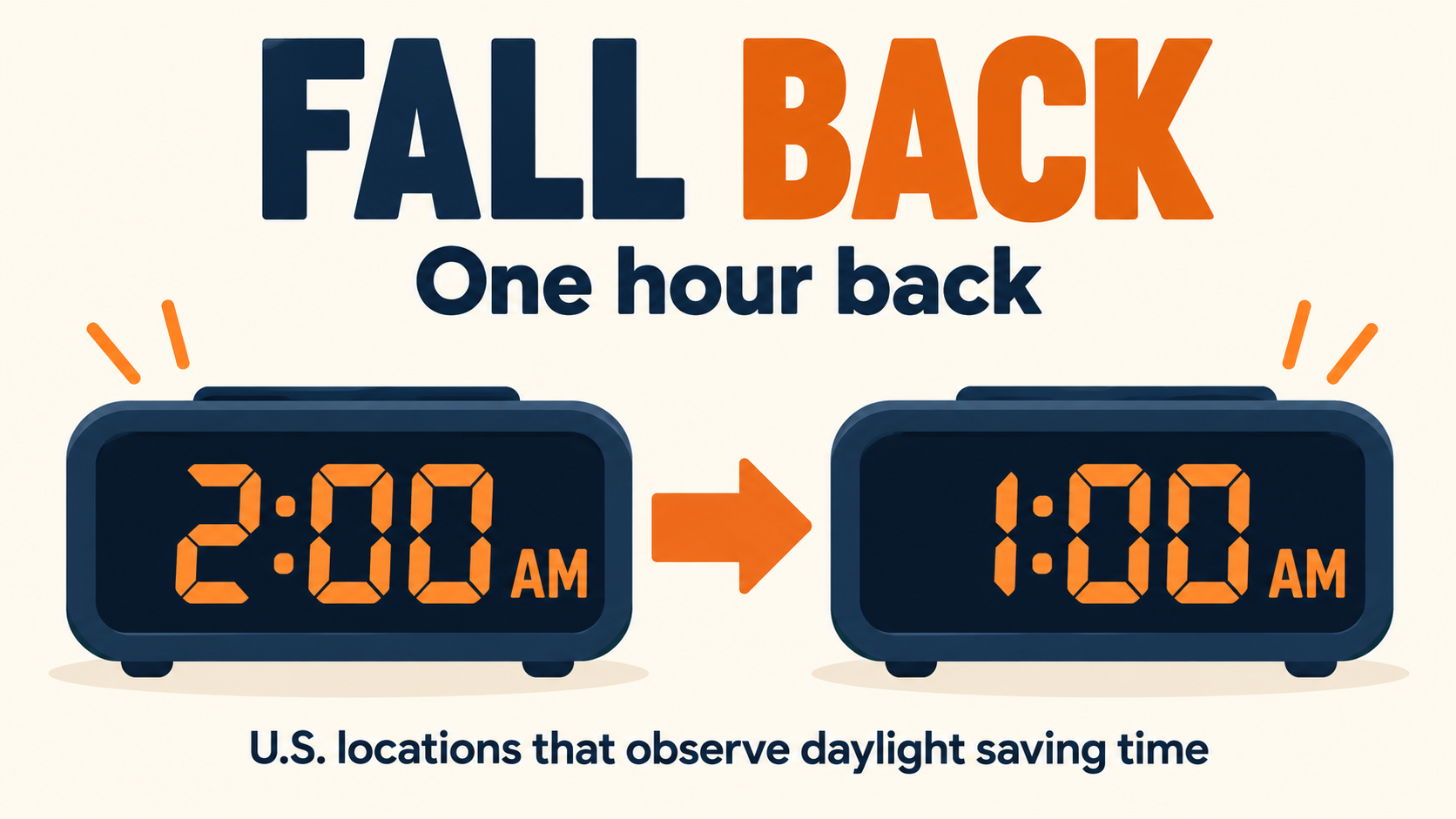
AI-generated illustration: the clock repeats the 1 a.m. hour when daylight saving time ends.
-
Verify clocks, alarms and appointments on Sunday
On Sunday morning, compare your devices with the official NIST U.S. time display, choosing the correct local zone. Tick off each clock after checking the hour, date and AM/PM. If a device is one hour off, check its time zone and automatic daylight-saving setting before changing the time manually.
Inspect your next alarm’s displayed time and day. Review travel tickets and meetings with people elsewhere against the organizer’s stated local time and time zone. If an event falls inside the repeated 1 a.m. hour, ask the organizer which occurrence they mean. Do not shift every calendar event by an hour.
Quick FAQ
Do I gain or lose an hour? The fall change repeats an hour on the clock. At 2 a.m., the local clock returns to 1 a.m.
Will my phone change automatically? Many phones do, but it depends on their settings and configuration. Verify it rather than assuming.
What if an older automatic clock changes on the wrong date? Check the manufacturer’s instructions. NIST notes that some older clocks use outdated daylight-saving rules.
What if I live outside the U.S.? Use your national time authority’s dates. This November 1 checklist is for U.S. locations observing daylight saving time.
Done: Your clock list is checked off, alarms show the intended local time, and any ambiguous appointments are clarified.
References checked October 17, 2026: NIST DST rules and NIST local time FAQ.